Linux gives you two ways to install Inter Font: a manual install that always gets the newest release, or your distribution's package manager, which is quicker but may be a version or two behind. We tested the manual method on a real Linux machine for this guide, and the output you see below is copied from that session.
Method 1: Manual install (always the latest)
This works on every distribution that uses fontconfig, which is almost all of them: Ubuntu, Debian, Fedora, Arch, Linux Mint, openSUSE, Pop!_OS and more.
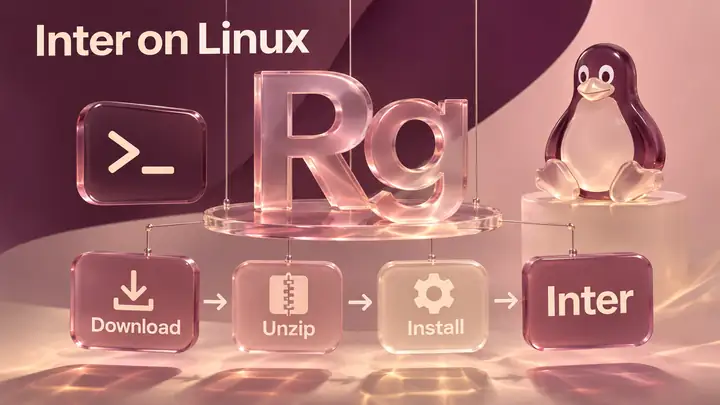
Step 1: Download and unzip
Download Inter-4.1.zip from the official release and extract it:
unzip Inter-4.1.zip -d Inter-4.1
cd Inter-4.1
Step 2: Copy the fonts
The modern per-user font folder is ~/.local/share/fonts. Creating a subfolder keeps things tidy:

mkdir -p ~/.local/share/fonts/inter
cp Inter.ttc InterVariable.ttf InterVariable-Italic.ttf ~/.local/share/fonts/inter/
The official help file mentions ~/.fonts, an older location that most systems still read. Either works; ~/.local/share/fonts is the current standard.
Step 3: Refresh the font cache
fc-cache -f ~/.local/share/fonts
Add -v (fc-cache -f -v) if you want to see every folder it scans.
Step 4: Check it worked
fc-list shows installed fonts and fc-match shows which file a name resolves to. This is the real output from our test machine:
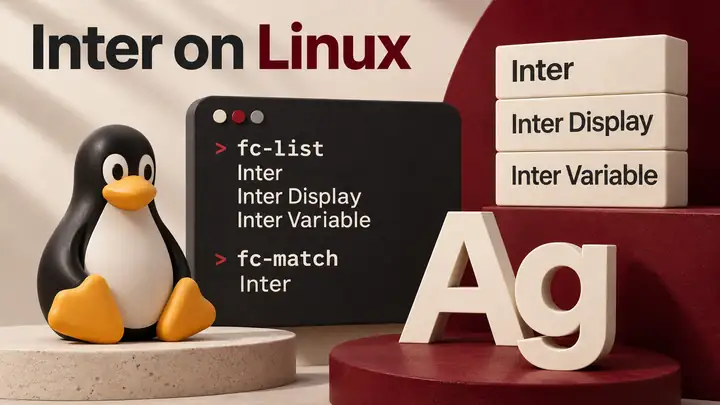
The three family names, Inter, Inter Display and Inter Variable, all appear, and 92 font entries were registered from the three files (the TTC alone contains every static style). Restart any app that was open, and Inter will be in its font menu.
Method 2: Package managers
Most distributions package Inter. These names were correct when we checked, but versions vary by release, so compare with the official release:
| Distribution | Command | Notes |
|---|---|---|
| Ubuntu / Debian | sudo apt install fonts-inter |
Ubuntu 22.04 ships 3.19, 24.04 ships 4.0, 26.04 ships 4.1 |
| Fedora | sudo dnf install rsms-inter-fonts |
Variable files are in rsms-inter-vf-fonts |
| Arch Linux | sudo pacman -S inter-font |
4.1 in the Extra repository |
Check what you got with fc-list | grep -i inter. If you only see one family named "Inter" and no "Inter Display", you have an older version. Remove the package and use the manual method.
Get the complete Inter 4.1 family — free, no sign-up, direct download.
Installing for all users
To install system-wide, copy the files to /usr/local/share/fonts/ instead and refresh the system cache:
sudo mkdir -p /usr/local/share/fonts/inter
sudo cp Inter.ttc InterVariable*.ttf /usr/local/share/fonts/inter/
sudo fc-cache -f
Leave /usr/share/fonts to the package manager, so you do not clash with packaged files.
Make Inter your default sans-serif
Fontconfig decides which font apps get when they ask for "sans-serif". You can prefer Inter with a small config file:
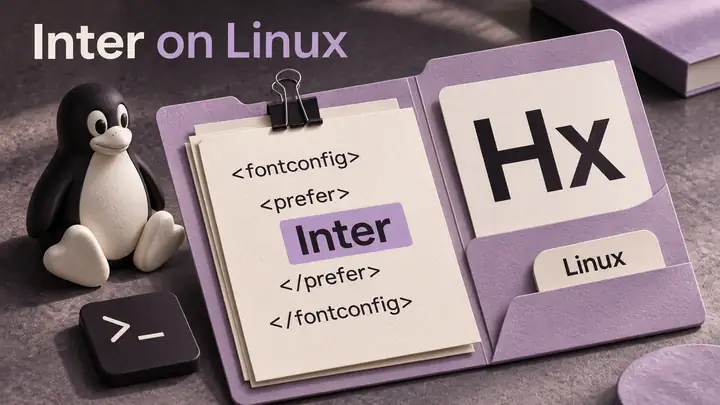
Save it as ~/.config/fontconfig/fonts.conf, then run fc-cache -f. Check with fc-match sans-serif. Desktop environments may also have their own setting:
- GNOME: install GNOME Tweaks and set Interface Text to Inter. Recent GNOME versions ship Adwaita Sans, a customized version of Inter, as the default UI font.
- KDE Plasma: System Settings → Appearance → Fonts → General.
- Xfce: Settings → Appearance → Fonts → Default Font.
Static vs variable on Linux
Linux apps handle variable fonts well: GTK and Qt apps, LibreOffice, Inkscape and browsers all recognize Inter Variable. LibreOffice and some older apps list the named static styles more cleanly, which is why installing Inter.ttc as well is worthwhile.
| App | Static Inter | Inter Variable |
|---|---|---|
| LibreOffice | Full style list | Named instances |
| GIMP | Yes | Default instance |
| Inkscape | Yes | Yes, with axis controls |
| Firefox / Chrome (local fonts) | Yes | Yes |
Troubleshooting
Inter does not show up. Run fc-cache -f again and fully restart the app. Make sure the files are not still inside the ZIP.
Two different versions appear. A package version and a manual copy are both installed. Remove one: sudo apt remove fonts-inter (or your distro's equivalent) or delete ~/.local/share/fonts/inter.
Permission denied. You tried to write to a system folder without sudo. Use the per-user folder instead.
Flatpak apps do not see the font. Flatpak apps can usually read ~/.local/share/fonts. If one does not, check its permissions with Flatseal.
Updating and removing
To update, delete the old files, copy the new ones and run fc-cache -f. To remove Inter completely:
rm -r ~/.local/share/fonts/inter
fc-cache -f
Works on
Tested on a Linux system with fontconfig: the copy and fc-cache steps registered all three Inter families, and fc-match "Inter Variable" returned InterVariable.ttf. The same steps apply to any distribution that uses fontconfig.
Next: try weights in the type tester, learn the OpenType features, or set up Inter on the web with our CSS guide.
Understanding fontconfig in two minutes
Almost every Linux desktop uses fontconfig to find fonts. It reads a list of directories, builds a cache, and answers questions such as "which file should I use for Inter Bold?" Knowing three commands covers nearly every situation:
| Command | What it does |
|---|---|
fc-cache -f |
Rebuilds the font cache after you add or remove fonts |
fc-list |
Lists every installed font file and its family and style names |
fc-match "Name" |
Shows which file fontconfig picks for a requested font |
When an app does not show Inter, these commands tell you whether the problem is fontconfig (the font is not listed) or the app (the font is listed but the app has not reloaded). In our test, fc-match "Inter:style=Italic" resolved to Inter.ttc, which confirms that the static collection supplies the italics to apps that ask for them by name.
Linux on servers and in containers
Fonts are not just for desktops. Server-side tools that render images or PDFs, such as headless browsers, report generators and chart libraries, also look fonts up through fontconfig. To make Inter available to them, copy the files to /usr/local/share/fonts/inter/ in your server image and run fc-cache -f during the build. In a Dockerfile that is two lines:
COPY fonts/Inter.ttc fonts/InterVariable*.ttf /usr/local/share/fonts/inter/
RUN fc-cache -f
Remember to include LICENSE.txt alongside the fonts in your repository, as the SIL Open Font License requires when you distribute the files.
Hinting and rendering on Linux
Linux rendering depends on your desktop's settings for hinting and antialiasing. On high-DPI screens, Inter Variable looks excellent with the default settings. On older 1080p monitors, some people prefer slight hinting with grayscale antialiasing, which most desktops offer in their font settings. Because the static fonts in Inter.ttc include TrueType hints and the variable files do not, you may notice small differences at 11 to 13 px; try both families and keep the one that looks crisper on your screen.
Quick reference card
| Task | Command |
|---|---|
| Install for your user | cp Inter.ttc InterVariable*.ttf ~/.local/share/fonts/inter/ |
| Refresh cache | fc-cache -f |
| Check families | fc-list : family \| grep -i inter |
| Which file is used | fc-match "Inter Variable" |
| Remove | rm -r ~/.local/share/fonts/inter && fc-cache -f |
Keep this table handy; it covers the whole lifecycle of Inter on a Linux machine.
Desktop-specific notes
GNOME: GNOME Tweaks lists Inter, Inter Display and Inter Variable separately. For the interface font, the static Inter family at size 11 is a sensible starting point. KDE Plasma: the font dialog shows a weight list for each family; choose Inter Regular for general text and Inter Medium for window titles if you want a little more presence. Xfce and other lightweight desktops: pick the static Inter family, which works reliably with older GTK versions.
Flatpak and Snap apps
Sandboxed apps can see fonts in ~/.local/share/fonts in most setups. If an app does not, restart it after running fc-cache -f. For Snap apps, a full log-out and log-in sometimes helps them pick up newly installed fonts.
Frequently asked questions
How do I install Inter Font on Ubuntu?
Run sudo apt install fonts-inter, or for the newest version copy Inter.ttc and the InterVariable files to ~/.local/share/fonts and run fc-cache -f.
Where do fonts go on Linux?
Per-user fonts go in ~/.local/share/fonts (the older ~/.fonts also works). System-wide fonts go in /usr/local/share/fonts.
How do I check that Inter is installed on Linux?
Run fc-list : family | grep -i inter. You should see Inter, Inter Display and Inter Variable.
Why is my Linux package an old version of Inter?
Distribution packages follow their release schedules. If you need Inter 4.1, install manually from the official GitHub ZIP.
Can I make Inter the default font on Linux?
Yes. Use your desktop's font settings (GNOME Tweaks, KDE System Settings) or a fontconfig alias that prefers Inter for sans-serif.
Is GNOME's Adwaita Sans the same as Inter?
Adwaita Sans is a customized version of Inter made for GNOME. It is closely related but is a separate font.
Do I need to log out after installing fonts on Linux?
Usually not. Running fc-cache -f and restarting the app is enough. Some desktop components may need a new session to pick up a changed default font.
Can I use Inter in Docker containers?
Yes. Copy the fonts to /usr/local/share/fonts in your image, run fc-cache -f during the build, and include LICENSE.txt in your repository.