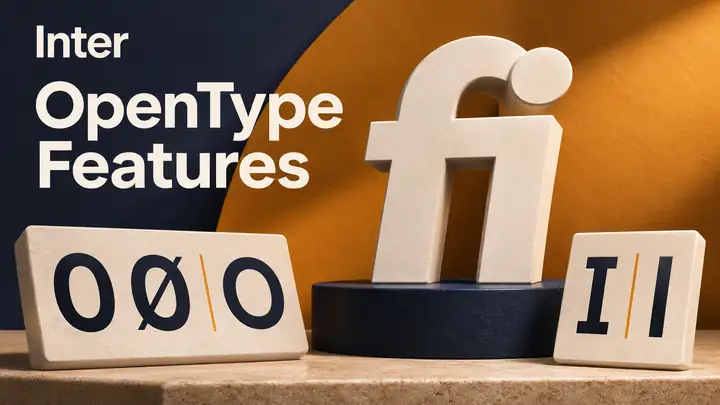
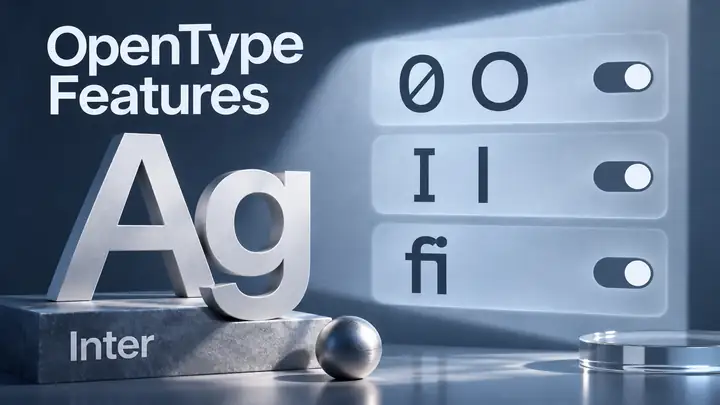
OpenType features are optional behaviors built into a font file. They can swap a zero for a slashed zero, make every digit the same width, or turn "1/2" into a real fraction. Inter Font has one of the richest feature sets of any free typeface, and it is a big reason designers and developers choose it for interfaces and data. This guide explains every feature group, shows it in action and gives you the CSS.
We read the feature list directly from the official InterVariable.ttf in the 4.1 release, and the names come from the official site.
How to turn features on
In CSS, use font-feature-settings with four-letter tags:
.example { font-feature-settings: "zero" 1, "tnum" 1; }
In design apps, look for an OpenType or Details panel (Figma: Type details → Details). Our type tester has toggles for the most useful features, and its Copy CSS button writes the code for you.
Numbers and data
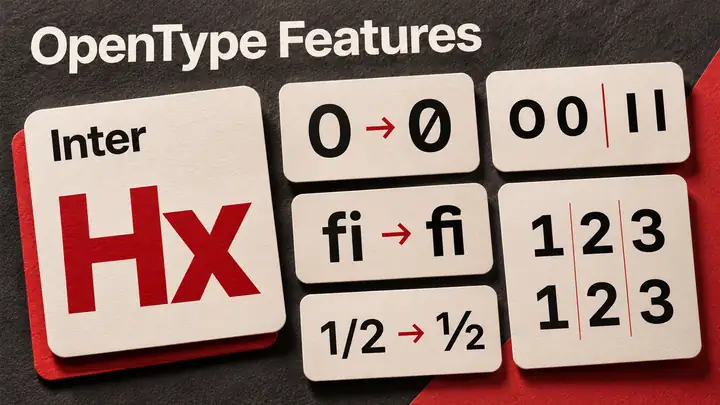
| Tag | Name | What it does |
|---|---|---|
tnum |
Tabular figures | Every digit the same width, so columns line up |
pnum |
Proportional figures | Digits with natural widths (the opposite of tnum) |
zero |
Slashed zero | A slash through 0 so it never looks like O |
frac |
Fractions | Turns 1/2 into a stacked fraction |
numr, dnom |
Numerators, denominators | Building blocks for fractions |
sups, subs, sinf |
Superscript, subscript, scientific inferiors | For footnotes and formulas |
case |
Case-sensitive forms | Raises brackets, dashes and arrows to sit with capitals |
Tabular figures are the single most useful feature for interfaces. Prices, timers, tables and dashboards stop jiggling when numbers change. Slashed zero is essential for codes, serial numbers, IDs and passwords.
Stylistic sets: ss01 to ss08
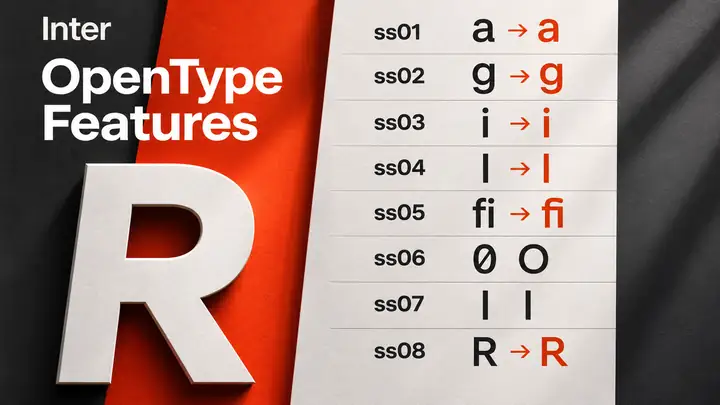
Stylistic sets swap groups of characters at once. Inter has eight:
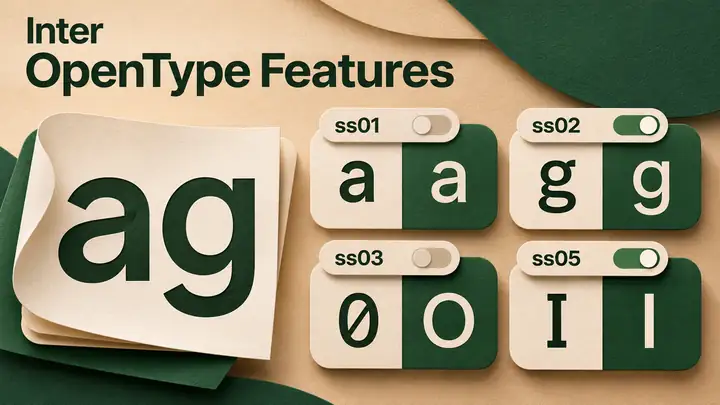
- ss01 (open digits): opens up 6, 9 and similar digits for more distinct shapes.
- ss02 (disambiguation): makes I, l and 1 clearly different and adds the slashed zero. Ideal for codes.
- ss04: the same disambiguation without changing the zero.
- ss03 and ss08: rounder or squarer quote marks and commas.
- ss05 and ss06: circled and squared characters for labels and badges.
- ss07: square punctuation for a more technical look.
Get the complete Inter 4.1 family — free, no sign-up, direct download.
Character variants: cv01 to cv13
Character variants change one letter at a time, so you can fine-tune the font's personality. The official site lists:
| Tag | Variant | Tag | Variant |
|---|---|---|---|
cv01 |
Alternate one | cv08 |
Upper-case i with serif |
cv02 |
Open four | cv09 |
Flat-top three |
cv03 |
Open six | cv10 |
Capital G with spur |
cv04 |
Open nine | cv11 |
Single-story a |
cv05 |
Lower-case L with tail | cv12 |
Compact f |
cv06 |
Simplified u | cv13 |
Compact t |
cv07 |
Alternate German double s |
Our inspection of the 4.1 file also found a cv14 feature; the official list did not name it when we checked.
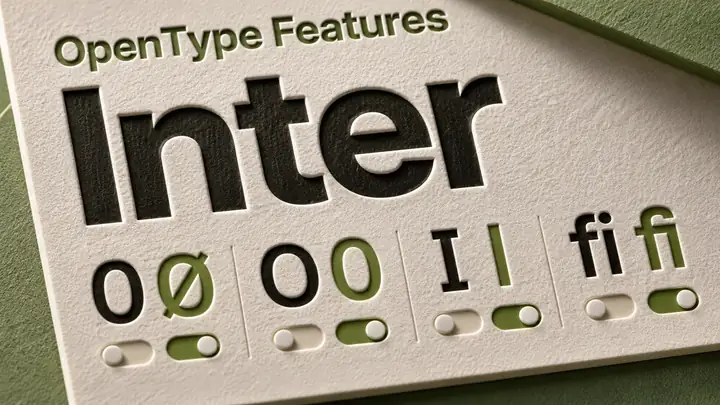
Popular picks: cv11 gives a friendlier single-story a, cv05 adds a tail to lowercase l so it never looks like a capital I, and cv08 adds serifs to capital I.
Other features
| Tag | Name | Default |
|---|---|---|
calt |
Contextual alternates (adjusts punctuation around capitals, arrows from ->) |
On |
ccmp, locl |
Glyph composition and localized forms | On |
dlig |
Discretionary ligatures | Off |
ordn |
Ordinals (1st, 2nd as superior letters) | Off |
salt, aalt |
Stylistic alternates, access all alternates | Off |
calt is on by default and does subtle, helpful work, such as raising a hyphen between capital letters. Leave it on.
Copy-ready CSS recipes
/* Data tables and dashboards */
.data { font-feature-settings: "tnum" 1, "zero" 1; }

/* Codes, IDs, passwords */
.code { font-feature-settings: "ss02" 1; }

/* Friendlier look */
.friendly { font-feature-settings: "cv11" 1, "ss01" 1; }

/* Headings in all caps */
.caps { text-transform: uppercase; font-feature-settings: "case" 1; }
Remember that font-feature-settings replaces previous values instead of adding to them, so list every feature you need in one declaration.
Where features work
| Environment | OpenType features |
|---|---|
| Browsers with self-hosted official WOFF2 | All |
| Figma, Adobe apps | Most, through OpenType panels |
| Microsoft Word | Number spacing and stylistic sets only |
| Google Fonts build | Many removed |
If a feature does nothing, check that you are using the official files. Our Google Fonts guide explains the differences.
The higher-level CSS properties
font-feature-settings is powerful but low-level. CSS also offers friendlier properties that map to the same features and combine more safely:
| Goal | High-level CSS | Low-level equivalent |
|---|---|---|
| Tabular numbers | font-variant-numeric: tabular-nums; |
"tnum" 1 |
| Slashed zero | font-variant-numeric: slashed-zero; |
"zero" 1 |
| Fractions | font-variant-numeric: diagonal-fractions; |
"frac" 1 |
| Ordinals | font-variant-numeric: ordinal; |
"ordn" 1 |
| Discretionary ligatures | font-variant-ligatures: discretionary-ligatures; |
"dlig" 1 |
Stylistic sets and character variants do not have simple high-level keywords in most browsers, so use font-feature-settings for ss01 to ss08 and cv01 to cv13. A good pattern is to use the high-level properties where they exist and font-feature-settings only for the rest.
Features in Figma and design tools
In Figma, select a text layer, open Type details (the three-dot menu in the text panel) and go to the Details tab. Number options such as tabular figures and slashed zero appear there, along with stylistic sets and character variants that Inter provides. Because Inter is built into Figma, you can try every feature without installing anything. Adobe apps show many of the same features in their OpenType panels.
Building a feature policy for your product
Choosing features once and applying them everywhere avoids inconsistency. A typical product policy might be:
- Everywhere: defaults (
calton, which is automatic). - Numbers in tables, prices and timers:
tnum. - Codes, IDs, coupon codes and keys:
ss02(includes slashed zero). - Marketing headlines: optional
cv11for a friendlier a.
Write these down in your design system documentation and in a shared CSS file, so designers and developers use the same settings.
Testing a feature quickly
Paste a test string such as 0O Il1 1/2 1,111.11 "quotes" into our type tester and toggle features one by one. Each toggle really changes the rendered text through font-feature-settings, and the Copy CSS output shows the exact declaration you need.
Features and accessibility
OpenType features can improve accessibility. Disambiguation sets help people with dyslexia or low vision tell similar characters apart, and tabular numbers make tables easier to scan. Switching them on for codes, data and forms is a small change with a real benefit.
How we checked the feature list
We opened InterVariable.ttf and InterVariable-Italic.ttf from the official 4.1 ZIP with fontTools, a widely used open source font library, and listed the feature tags in each file's substitution table. The upright file contains cv01 to cv14, ss01 to ss08, tnum, pnum, zero, frac, case, dlig and more. The italic file has nearly the same list, without cv11, because the italic already uses a single-story a by design.
Quick reference
| Need | Feature |
|---|---|
| Aligned numbers | tnum |
| 0 vs O | zero |
| I vs l vs 1 | ss02 or ss04 |
| Real fractions | frac |
| Single-story a | cv11 |
| Brackets for capitals | case |
Features in print and office apps
Professional print tools such as Adobe InDesign expose most of Inter's features through their OpenType menus, so the same choices you make on the web carry into print. Office apps expose fewer features, so documents created there may need slightly different settings. For example, you can turn on tabular numbers in Word, but not stylistic sets beyond what its Advanced tab offers. Plan your feature choices with the least capable tool in your workflow in mind.
Summary
Inter's OpenType features turn a good UI font into a great one: tabular numbers and slashed zero for data, ss02 for unmistakable codes, cv11 and ss01 for personality, and case for all-caps text. Self-host the official WOFF2 files to get every feature, and experiment with the toggles in our type tester.
Frequently asked questions
How do I get a slashed zero in Inter?
Turn on the zero feature: font-feature-settings: "zero" 1 in CSS, or the Slashed zero option in your design app.
What are tabular numbers in Inter?
Tabular numbers (tnum) make every digit the same width so numbers line up in columns and do not shift when they change.
What does ss02 do in Inter?
ss02 is a disambiguation set. It makes I, l and 1 clearly distinct and adds a slashed zero.
How do I get a single-story a in Inter?
Enable character variant cv11: font-feature-settings: "cv11" 1.
Why do Inter features not work on my site?
You may be using Google Fonts' build, which removes many features, or overriding font-feature-settings elsewhere. Use the official WOFF2 and list every feature in one declaration.
Can I use Inter features in Microsoft Word?
Only partly. Word exposes number spacing, number forms and stylistic sets in the Advanced font tab. Features like slashed zero are not available.
What is the difference between font-variant-numeric and font-feature-settings?
font-variant-numeric is a higher-level property for number features such as tabular-nums and slashed-zero. font-feature-settings controls any feature by its four-letter tag.
Can I use Inter's features in Figma?
Yes. Open Type details in the text panel and use the Details tab to switch on number options, stylistic sets and character variants.