Macs make font installation easy, and Inter Font is no exception. You can install it with Font Book in a few clicks, copy it into your Fonts folder, or use Homebrew if you live in the Terminal. This guide covers all three, based on the official Inter 4.1 help file and tested against the real contents of the ZIP.
What you need
- A Mac running a recent version of macOS (the steps are the same on recent releases)
Inter-4.1.zipfrom the complete Inter 4.1 download, or Homebrew- About two minutes
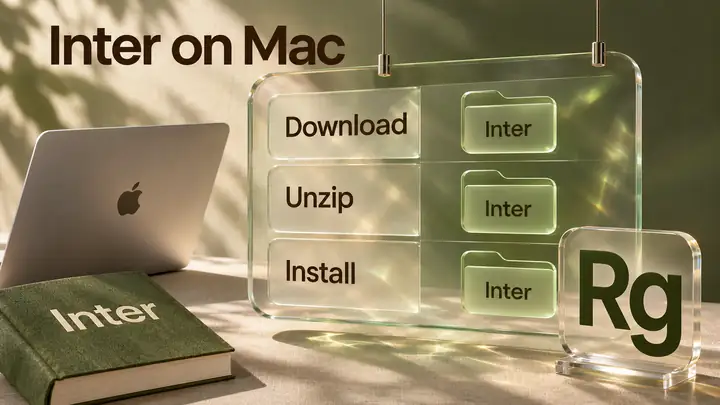
Safari usually unzips downloads automatically. If you see Inter-4.1.zip instead of a folder, double-click it to extract.
Method 1: Font Book (recommended)
This is the method the official help file describes:
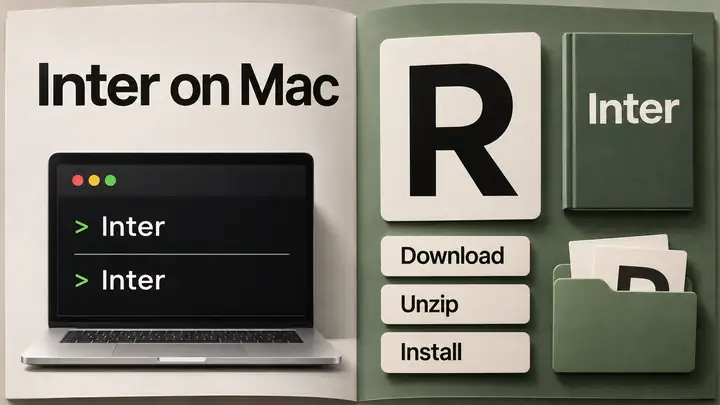
- Open Font Book (in Applications, or search with Spotlight).
- In the menu bar choose File → Add Fonts… (on some versions it is labeled Add Fonts to Current User).
- Open the extracted
Inter-4.1folder and selectInter.ttc,InterVariable.ttfandInterVariable-Italic.ttf. - Click Open.

Font Book validates each font and installs it for your user account. You will then see Inter, Inter Display and Inter Variable in the font list.
You can also double-click any single font file. Font Book opens a preview window with an Install button. For the collection file Inter.ttc, this installs every style inside it at once.
Method 2: Copy to ~/Library/Fonts
If you prefer to skip Font Book, copy the files straight into your personal Fonts folder:
- In Finder, press Shift + Command + G.
- Type
~/Library/Fontsand press Return. - Drag
Inter.ttc,InterVariable.ttfandInterVariable-Italic.ttfinto that folder.
To install for every user on a shared Mac, use /Library/Fonts instead. That folder needs an administrator password.
Method 3: Homebrew
Developers who use Homebrew can install Inter with one command. The font-inter cask was on version 4.1 when we checked in November 2026:
brew install --cask font-inter
To update later, run brew upgrade --cask font-inter. To remove it, run brew uninstall --cask font-inter.
Which method should you choose?
| If you… | Use |
|---|---|
| Want the simplest path | Font Book |
| Already have the ZIP open in Finder | Copy to ~/Library/Fonts |
| Manage your Mac with the Terminal | Homebrew |
| Share the Mac with other accounts | /Library/Fonts (admin) |
All methods give you the same fonts. Pick one; do not mix them, or you may get duplicates.
Get the complete Inter 4.1 family — free, no sign-up, direct download.
Using Inter in Mac apps
After installing, quit and reopen any app that was already running.
- Pages, Keynote and Numbers: open the Format sidebar, click the font name and choose Inter or Inter Display. Pick the weight in the style menu next to it.
- Microsoft Word and PowerPoint for Mac: type "Inter" in the font box. Our Word and PowerPoint guides cover embedding and sharing.
- Figma desktop app: Inter is built into Figma, and locally installed versions show up too.
- Adobe apps: the variable font gives you a weight slider in the Character panel.
- TextEdit: open Format → Font → Show Fonts and pick Inter.

Troubleshooting on macOS
Font Book shows a warning. Font Book runs validation checks. Minor warnings on large collections are common; choose to install the checked fonts. If you see duplicate warnings, you already have Inter installed.
Duplicate fonts. Open Font Book, select Inter, and look for a yellow warning triangle. Use File → Resolve Duplicates or remove the older copy. The official notes advise removing previous versions before installing new ones.
Inter does not appear in an app. Quit the app fully with Command + Q and reopen it. Some apps cache font lists; restarting the Mac clears every cache.
Wrong weights in the menu. Make sure you installed Inter.ttc. Without it, apps that do not understand variable fonts may only show a few named weights.
"Font is disabled." In Font Book, select the font and click the Enable button (or choose Edit → Enable).
Updating Inter on a Mac
When a new release appears on the releases page:
- Open Font Book, select Inter, Inter Display and Inter Variable.
- Press Delete and confirm Remove.
- Install the new files with the method you used before.
Homebrew users just run brew upgrade --cask font-inter.
Static vs variable on macOS
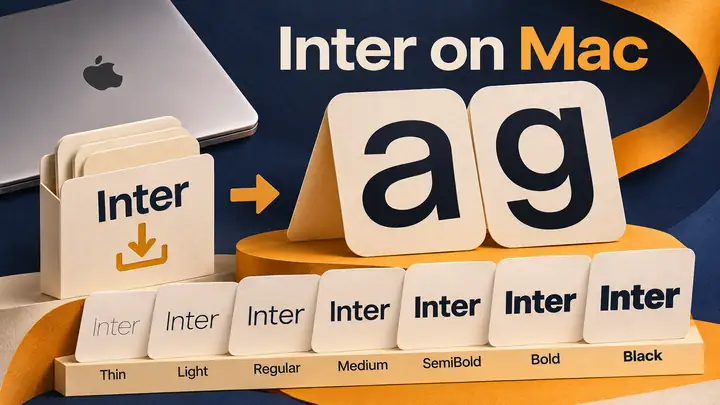
macOS handles variable fonts well, and many Mac apps show a weight slider for Inter Variable. Office apps and some older software still prefer the named static styles, which is why the help file suggests installing both. Inter Display is useful in Keynote for slide titles:
Works on
These steps apply to recent macOS versions on both Apple silicon and Intel Macs, because Font Book and the ~/Library/Fonts folder work the same way on both. They were checked against the official Inter 4.1 help file and the files in the release ZIP.
Next: preview weights in the type tester, explore the Inter font family, or set up Inter for the web with our CSS guide.
Font Book collections and libraries
Font Book can organize fonts into collections, which is handy if you work with many families. Create a collection called "UI fonts" and drag Inter, Inter Display and Inter Variable into it. Collections do not change where the files live; they just make fonts easier to find, and some apps let you filter their font menus by collection.
You can also check exactly which file each style comes from. Select a style in Font Book and press Command + I (or click the info button) to see the file path, version and format. This is the quickest way to confirm that you are really running version 4.1 and not an older copy left behind by another installer.
Managing versions on a shared Mac
On a Mac with several accounts, fonts in ~/Library/Fonts are private to each user, while fonts in /Library/Fonts are shared. Mixing the two can lead to one user seeing version 4.0 and another 4.1. The tidy approach is:
| Situation | Where to install |
|---|---|
| Personal Mac, one account | ~/Library/Fonts (Font Book default) |
| Family or classroom Mac | /Library/Fonts once, by an admin |
| Managed company Mac | Whatever your IT team's tooling uses |
Inter and the system font
Installing Inter does not change the macOS interface font, which remains Apple's San Francisco. Inter becomes available in your apps only. That is usually what you want: the system stays consistent and your documents use the font you chose. If you are curious how Inter compares with San Francisco and other platform fonts, read Inter Font vs system fonts.
Using Inter in the Terminal and code editors
Inter is a proportional font, so it is not ideal for code, where monospace fonts keep columns aligned. It works well, however, for the interface text of editors that let you set a UI font separately from the code font. In those settings, Inter at 13 px weight 400 or 450 is a popular choice for sidebars and menus, while your code stays in a monospace face.
A quick verification
Open TextEdit, create a new document, open Format → Font → Show Fonts, and search for Inter. Click each family and scroll through the styles: Inter should show Thin to Black with italics, Inter Display the same, and Inter Variable a set of named instances. If something is missing, Font Book's validation window will usually tell you which file was skipped.
Quick reference
| Task | How |
|---|---|
| Install | Font Book → File → Add Fonts… |
| Check version | Select a style → Command + I |
| Fix duplicates | File → Resolve Duplicates |
| Remove | Select the family → Delete → Remove |
Frequently asked questions
How do I install Inter Font on a Mac?
Open Font Book, choose File, Add Fonts, select Inter.ttc, InterVariable.ttf and InterVariable-Italic.ttf from the extracted ZIP and click Open.
Can I install Inter with Homebrew?
Yes. Run brew install --cask font-inter. The cask was on Inter 4.1 when we checked in November 2026.
Where are fonts stored on macOS?
Fonts for your account go in ~/Library/Fonts. Fonts for all users go in /Library/Fonts, which needs an administrator password.
Why does Font Book show duplicate Inter fonts?
You have an older version installed alongside the new one. Remove the older copy or use File, Resolve Duplicates in Font Book.
Do I need to restart my Mac after installing Inter?
Usually not. Quit and reopen the apps you want to use Inter in. A restart helps only if an app keeps an old font cache.
Does Inter work in Pages and Keynote?
Yes. After installing, Inter and Inter Display appear in the font menu of Pages, Keynote and Numbers.
Can I install Inter for all users on a Mac?
Yes. Copy the files to /Library/Fonts, which asks for an administrator password. Every account on the Mac can then use Inter.
Does installing Inter change the macOS system font?
No. macOS keeps San Francisco as its interface font. Inter becomes available inside your apps only.