Google Fonts is the most popular place people find Inter Font, and for good reason: it is free, fast and built into Google Docs and Slides. But the Inter on Google Fonts is not identical to the official release on GitHub. This guide explains what you get, what is missing, and how to decide which source fits your project. Facts were checked in November 2026.
The short version
Google Fonts serves its own build of Inter. For normal text at normal settings, it looks the same. The differences show up when you need Inter's advanced OpenType features, the static Inter Display family for desktop apps, or a fully self-hosted setup.
What Google Fonts does well
- Zero setup in Google apps. In Google Docs, Sheets and Slides, Inter is available through More fonts.
- Simple web embed. One
<link>tag and you are done. - A variable font. Google's Inter supports a weight range, so you can use any weight.
- No downloads to manage. Google handles updates on its side.
What is different or missing
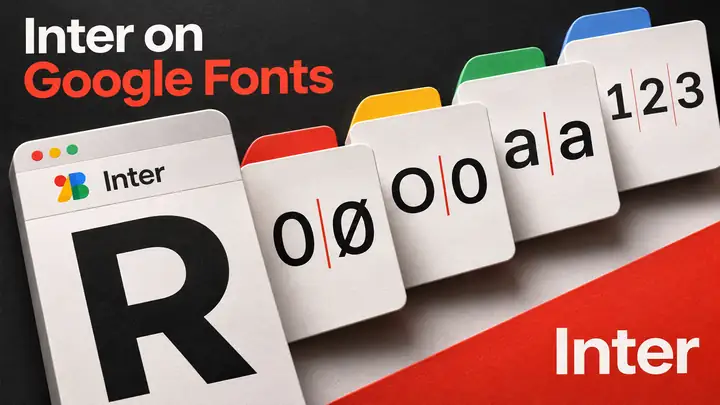
According to the Wikipedia entry on Inter, the files Google distributes leave out many of Inter's font features to keep files small and fast. The Inter README itself recommends against using the Google Fonts version "unless you have no other choice", describing it as outdated. In practice, that means some features you may rely on are not available, or not available in the same way, when you load Inter from Google:
| Feature | Official release | Google Fonts build |
|---|---|---|
| Basic Latin text, weights | Yes | Yes |
Full OpenType set (ss01–ss08, cv01–cv14, zero, frac, case, dlig…) |
Yes | Many removed |
| Static Inter Display desktop fonts | Yes | Check the specimen |
| Hinted static TTFs for Windows | Yes (Inter.ttc, extras/ttf) |
Different build |
| Exact version tracking | Every GitHub release | On Google's schedule |
Google updates its catalog over time, so check the Inter specimen on Google Fonts for the styles currently offered. The safest assumption for feature-dependent work is to test the specific features you need.
How to check features yourself
Paste this into a page that loads Inter from Google Fonts, then compare with a page using the official WOFF2:
<p class="t">0O Il1 1,111.11 1/2</p>
<style>.t{font-family:Inter;font-feature-settings:"zero" 1,"ss02" 1,"tnum" 1,"frac" 1;font-size:48px}</style>
If the zero has no slash or the fraction stays as "1/2", the feature is missing in that build. You can see the official behavior in our type tester, which uses the real Inter design with all features.
Get the complete Inter 4.1 family — free, no sign-up, direct download.
Using Inter from Google Fonts on a website
The embed code looks like this:
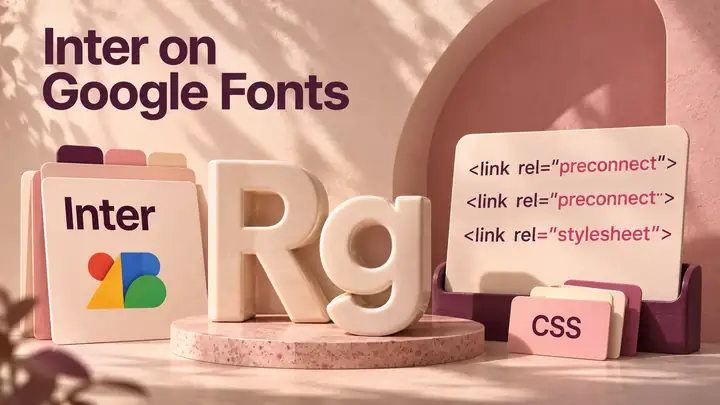
It works, but every visitor's browser connects to Google's servers. Some site owners in the UK and EU prefer self-hosting fonts to avoid sending visitor IP addresses to a third party. Self-hosting is easy with the official files; see our CSS guide.
Using Inter in Google Docs and Slides
Google's apps cannot use fonts installed on your computer, so Google Fonts is the only route there:
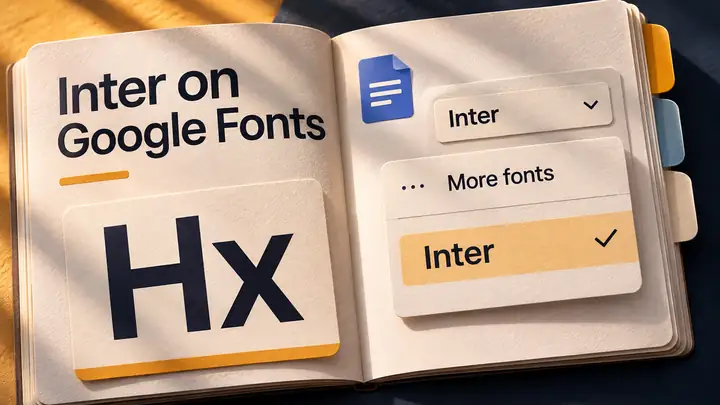
- Open the font menu and choose More fonts.
- Search for Inter.
- Click it so it appears in My fonts, then OK.
- Pick Inter from the font list.
Your documents will use Google's build. For normal writing, you will not notice a difference.
Downloading from Google Fonts for desktop use
Google Fonts has a Get font button that downloads a ZIP of its build. It works for desktop install, but for Word, PowerPoint, Figma or Adobe apps we recommend the official release, because it includes Inter.ttc with hinted static styles, the full Inter Display family and every OpenType feature.
When to use which
| Use case | Best source |
|---|---|
| Google Docs, Sheets, Slides | Google Fonts |
| Quick prototype website | Either |
| Production website with data tables or codes | Official release (self-hosted) |
| Desktop apps (Office, Adobe, Figma) | Official release |
| Privacy-focused site | Official release (self-hosted) |
| You need slashed zero, stylistic sets or fractions | Official release |

Can you mix them?
Yes, carefully. A designer can work with the official fonts in Figma while the marketing team uses Google Docs. Just remember that features available in the design (for example, slashed zero in an account number) may not appear in Google Docs. Document which features your product relies on.
Self-hosting instead of linking Google
Many site owners start with the Google Fonts embed and later switch to self-hosting. The move is straightforward:
- Download the official Inter release.
- Copy
web/InterVariable.woff2andweb/InterVariable-Italic.woff2to your server. - Replace the Google
<link>tags with your own@font-facerules (see our CSS guide). - Change
font-family: Intertofont-family: "Inter Variable", Inter, sans-serif. - Remove the
preconnectlinks to Google's domains.
After the switch, your pages make no requests to third-party font servers, and every OpenType feature becomes available.
A note on the family name
Google's stylesheet registers the family as Inter. The official variable WOFF2 is designed to be registered as Inter Variable, so it can sit alongside a static Inter without conflicts. When you migrate, update every font-family declaration, or define your @font-face with the name Inter if you prefer not to touch the rest of your CSS. Either approach works as long as the name in @font-face matches the name you use.
Google Fonts in design tools
Some design tools offer Google Fonts directly. That is convenient for quick mockups, but it means your design may use Google's build while your developers use the official one, or the reverse. Small differences, such as a missing stylistic set, can then cause confusion during hand-off. Agree on one source for the whole team, and if you rely on features like slashed zero or ss02, choose the official release everywhere.
Privacy considerations
When a page links to Google Fonts, each visitor's browser contacts Google's servers to fetch the stylesheet and font files, which shares the visitor's IP address with Google. Some site owners in the UK and EU prefer to avoid that, and self-hosting is the simple solution. This site self-hosts every file, so your browser does not contact any third party while you read our pages.
Checking which version Google serves
Google Fonts updates its catalog on its own schedule. To see what is served today, open the Inter specimen and look at the styles list and the "About" information. For desktop use, the complete Inter 4.1 download always tells you exactly which version you have, because the version is in the file name.
Quick decision guide
If you only write documents in Google's apps, use Google Fonts. If you design in desktop apps or build a production website, use the official release. If you do both, accept that Google's apps use a slightly different build and avoid relying on advanced features in Google documents.
What stays the same
It is worth stressing what does not change between sources: the basic letter shapes, the licence, the designer and the overall look of normal text. If you write a blog post in Google Docs with Inter and later publish it on a site that self-hosts the official files, readers will see essentially the same typography.
Summary
Inter on Google Fonts is convenient and great for Google's own apps. The complete Inter 4.1 download is the complete version, with every OpenType feature, static Inter Display fonts and hinted files for Windows. For websites that care about features, privacy or exact versioning, self-host the official WOFF2. Download Inter 4.1 from the official source, or read about Inter on GitHub.
Frequently asked questions
Is Inter on Google Fonts the same as the official release?
No. Google Fonts serves its own build, which removes many OpenType features to keep files small. Normal text looks the same.
Why does Google Fonts Inter look different?
Usually because a feature you rely on, such as slashed zero or stylistic sets, is missing from Google's build, or because a different version is served.
Can I use Inter in Google Docs?
Yes. Choose More fonts in the font menu, search for Inter and add it.
Should I use Google Fonts for my website?
It works, but self-hosting the official WOFF2 gives every feature and avoids third-party requests. See our CSS guide.
Does the Inter README recommend Google Fonts?
No. It advises using the official release unless you have no other choice.
Where can I get the full Inter feature set?
From the complete Inter 4.1 download, Inter-4.1.zip, at github.com/rsms/inter/releases.
Is Google Fonts Inter licensed differently?
No. It uses the same SIL Open Font License 1.1. Only the build of the files differs.
How do I switch from Google Fonts to self-hosted Inter?
Download the official ZIP, copy the variable WOFF2 files to your server, add @font-face rules and remove the Google Fonts links.