Let us start with the honest answer: stock Android has no built-in way to install a font like Inter system-wide. There is no "Install" button for TTF files the way Windows and macOS have. That does not mean you cannot use Inter Font on Android. It means you need to pick the right method for what you actually want to do. This guide explains each option, what it changes and what it does not.
What do you want Inter for?
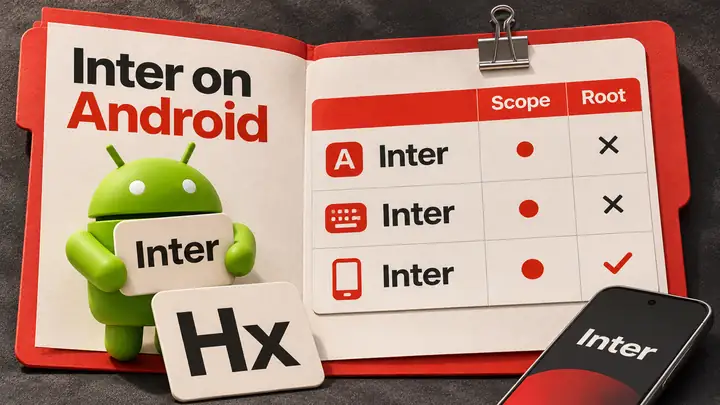
| Goal | Best method |
|---|---|
| Design posters, social posts or slides on your phone | Use an app that imports custom fonts |
| See websites in Inter | Nothing to install; sites load it themselves |
| Change the whole phone's UI font | Only possible on some devices, often with root |
| Build an Android app that uses Inter | Bundle the font in your app (developers) |
Option 1: Import Inter into apps that support custom fonts
Many design and writing apps let you add your own TTF or OTF files. Once imported, Inter is available inside that app only. This is the most reliable method and needs no special permissions.
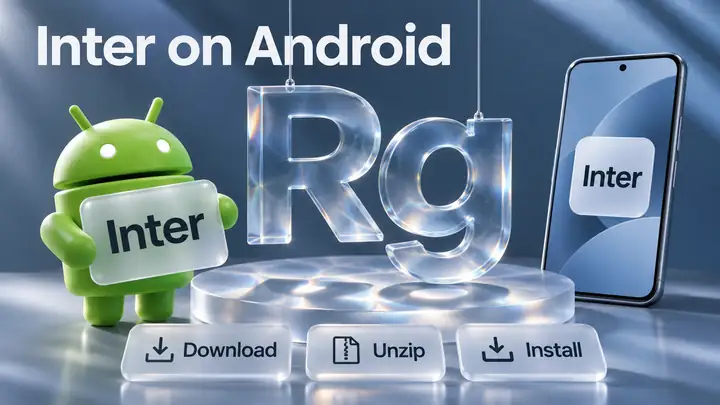
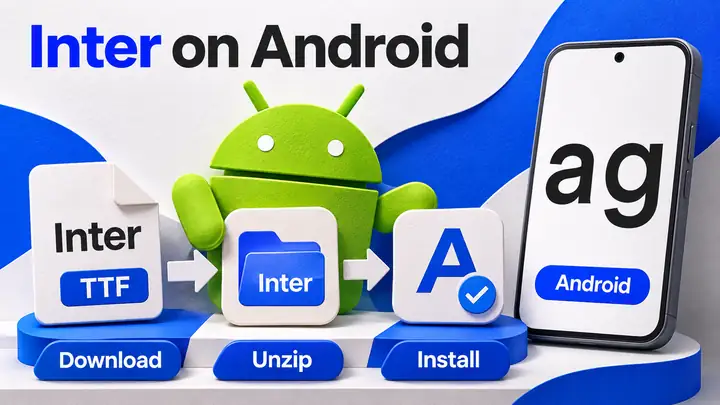
Step 1: Download the official ZIP
Open Chrome and go to the official Inter release, or tap the download button in our download section. Chrome saves Inter-4.1.zip (33.7 MB) to your Downloads folder. Use Wi-Fi if your data plan is small.
Step 2: Extract the files
Open the Files app (Files by Google or your phone maker's file manager), find the ZIP and tap Extract. You will get the Inter-4.1 folder.
Step 3: Choose the right file
For mobile apps, a single static TTF is often the safest choice, because not every app understands variable fonts:
extras/ttf/Inter-Regular.ttffor body textextras/ttf/Inter-Bold.ttffor headingsInterVariable.ttfif the app supports variable fonts
Step 4: Import into your app
Look for an option such as Add font, Import font or Upload font in the app's text or font settings, then pick the TTF file. The exact menu differs by app, and some apps only offer custom fonts on paid plans. Check the app's own help pages.
Note that mobile office apps generally do not accept custom fonts. If you need Inter in Google Docs or Slides, use the Inter font that Google provides in those apps (see our Google Fonts guide).
Get the complete Inter 4.1 family — free, no sign-up, direct download.
Option 2: Websites already work
If a website uses Inter as a web font, Chrome and other Android browsers download and display it automatically. You do not need to install anything. You can see this right now: this site is set in a subset of Inter, and our type tester works on phones.
Option 3: Change the system font (device-dependent)
Changing the font used by Android's own menus and apps is where things get complicated:
- Stock Android (Pixel and many others): no supported way to add a system font without root. Some launchers can change the font on the home screen and app drawer only.
- Samsung: One UI has a font-style setting, but it is tied to fonts from the Galaxy Store. Third-party tools such as zFont and iFont used to package TTF files for it. Reports from 2026 say recent One UI security updates blocked many of these tools on non-rooted phones, so results vary by model and update level.
- Xiaomi and some other brands: have theme stores with their own font systems, which may or may not accept custom fonts depending on region and version.
- Rooted devices: can replace system fonts, typically with a Magisk module. This is advanced, can break updates and may affect warranty or security features.
Our advice: unless you are comfortable with rooting, do not chase a system-wide change. Use Inter inside the apps where you create content, and avoid apps that ask for unusual permissions or offer to "install fonts" through unknown APK files.
Option 4: For Android developers
If you are building an app, you can bundle Inter yourself. The SIL Open Font License allows it. Put the TTF in res/font/, or use downloadable fonts. A common setup:
<!-- res/font/inter.xml -->
<font-family xmlns:android="http://schemas.android.com/apk/res/android">
  <font android:fontStyle="normal" android:fontWeight="400" android:font="@font/inter_regular" />
  <font android:fontStyle="normal" android:fontWeight="700" android:font="@font/inter_bold" />
</font-family>
Android resource names must be lowercase with underscores, so rename Inter-Regular.ttf to inter_regular.ttf. Include the OFL licence text in your app's open-source notices.
Comparison: Android vs desktop
| Android | Windows / macOS / Linux | |
|---|---|---|
| Built-in font installer | No | Yes |
| Works inside apps that import fonts | Yes | Yes |
| System-wide change | Device-dependent | Yes |
| Websites using Inter | Yes | Yes |
Troubleshooting
The app does not see the file. Make sure you extracted the ZIP. Apps cannot read fonts inside a ZIP.
The font looks too thin or bold. You picked a variable font in an app that only reads its default instance. Use a static TTF from extras/ttf/ instead.
A font app asks for root or unknown sources. Stop and think carefully. Installing APKs from outside the Play Store carries real security risks.
Why Android works this way
Android treats system fonts as part of the operating system image. Apps can bundle and use any font they like, but the system font is controlled by the phone maker. That design keeps the interface consistent and secure, at the cost of flexibility. Brands that offer font changing build their own systems on top of Android, which is why the options differ so much between a Pixel, a Samsung and a Xiaomi phone.
Choosing apps that handle fonts well
When you look for an app to use Inter in, check three things before relying on it:
| Check | Why it matters |
|---|---|
| Does it import TTF or OTF files? | Without import, you cannot add Inter at all |
| Does it support variable fonts? | If not, use static files from extras/ttf/ |
| Does it export with fonts embedded or outlined? | Otherwise others may not see Inter in your exported file |
Exporting matters more than people expect. If you design a poster on your phone and export it as a PNG or PDF, Inter is baked in and everyone sees it. If you share an editable project file, the recipient also needs Inter.
Using Inter for web content you build on Android
If you write or manage websites from a tablet, you do not need Inter installed on the device at all. The website loads Inter from its own server, so you see it in the browser exactly as visitors do. Our CSS guide shows how to self-host it, and our type tester works in Chrome on Android if you want to try weights and features on the device itself.
Keeping the ZIP organized on your phone
The ZIP unpacks into more than 150 files. On a phone, it is easier to keep only what you need: move the four to six static TTF files you actually use into a folder such as Documents/Fonts/Inter, keep LICENSE.txt with them, and delete the rest. You can always download the full ZIP again from the official release.
Summary
On Android, Inter works best inside the apps you design or write in, and it already works on websites. System-wide changes depend on your phone brand and often need root. Download the official ZIP, extract it, and import the TTF files into the apps that support them. For other devices, see our iPhone and iPad guide or the Windows and Mac guides.
Frequently asked questions
Can I install Inter Font on Android?
Not system-wide on stock Android, which has no built-in font installer. You can import Inter's TTF files into apps that support custom fonts.
Can I change my Android system font to Inter?
Only on some devices. Samsung and a few other brands have font systems with restrictions, and other phones usually need root. Results vary by model and update.
Which Inter file should I use on Android?
Use a static TTF such as extras/ttf/Inter-Regular.ttf for best app compatibility. Use InterVariable.ttf only if the app supports variable fonts.
Do websites using Inter work on Android?
Yes. Browsers download web fonts automatically, so sites that use Inter display it without any installation.
Is it safe to use font changer apps?
Be careful. Some require root or installing APKs from unknown sources, which carries security risks. Prefer apps that simply import fonts.
Can Android developers bundle Inter in an app?
Yes. The SIL Open Font License allows bundling. Put the fonts in res/font and include the licence in your open-source notices.
Does Google Docs on Android support Inter?
Google Docs offers Inter through its own font list, using Google's build. It does not load fonts you import on the device.
Will an exported PDF or image keep Inter?
Yes. When you export a design as a PDF or image, Inter is embedded or rendered into it, so anyone can see it.